The GTM write-up, playing as a bot team: connectors, meeting prep, inbox drafts, Granola follow-ups, overnight sheet, then 2 pairs before the batch.
Watch it work. Click a bot to take over.
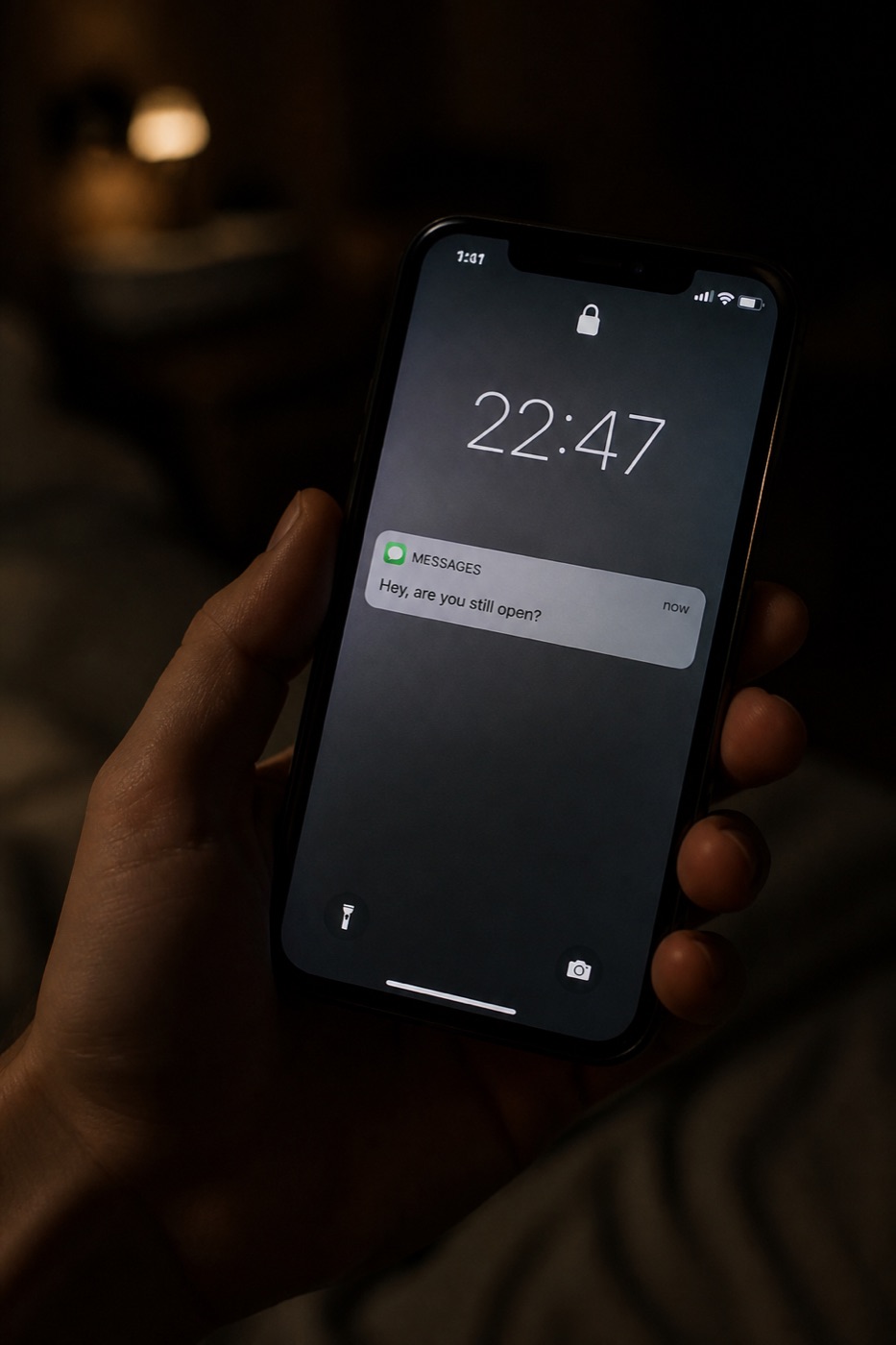
Voice note in. Laptop shutting. Prep Tuesday.
Chief of Staff
Agent working
TeamRoutinesSearch
You · voicePrep Tuesday. Inbox after. Prospecting can run overnight — laptop’s shutting.
Working
Chief of Staff
Meeting prep
Inbox
Follow-ups
Prospecting
Slides
Chief of Staff
Connected · own computer · 24/7
What it signed into
Salesforce
Gmail
Calendar
Slack
Notion
Granola
Gong
Figma
Sheets
Drive
X
LinkedIn
Warehouse
Own computer, 24/7. Memory keeps writing style from sent mail. Voice from the phone still counts. Laptop can be shut.
Routine · daily meeting prep
Today · skimmable
Apex Labs · Maya R.
Harbor Clinic · Jon P. · new
Forecast
Routine · scan inbox · do not auto-send
Since last run
Skipped newsletters, receipts, RSVPs, internal noise. If nothing needs a reply, it sends no message at all.
The Verge · Daily digest
Skip
Stripe · Receipt
Skip
Calendar · Harbor accepted
Skip
Maya R. · Re: seats
Needs SSO before they add 20 seats.
Draft · unsent
Jon P. · Intro to finance
Wants a follow-up after Harbor.
Draft · unsent
Routine · post-call · Granola is source of truth
External call ended
Attendee outside the company domain. Drafted in chat: To, Subject, body, concrete next steps. Grounded in what was actually discussed.
To Jon P. · Harbor Clinic
Subject SSO pack + RevOps intro
Draft · unsent
Overnight · laptop was shut
Prospecting sheet · live link, not a CSV
Style from 22 sent emails. CRM field names discovered first. Open opp + last activity on every row. Already-touched → Skip Draft, stay on the sheet.
Account
Contact
Signal
Opp / last
Status
Northline
A. Rahman
—
Nurture · emailed 12d
Checking sent mail…
Apex Labs
Maya R.
Harbor Clinic
Jon P.
Before the full batch
2 pairs for approval
Email: subject + 3–4 sentences. LinkedIn: shorter, same hook, never mentions that you emailed them. Your style profile. Drafts only.
Maya · email
SSO first, then seats
Maya · LinkedIn
Same hook · no mention of email
Jon · email
Podcast + RevOps hire
Jon · LinkedIn
Same hook · no mention of email
Approve these 2. Then I generate the rest. I won’t send.
FigmaMaster deck · copyEdit in place100%
Title
Agenda
Heard
Next
NorthlineDiscovery
What we’ve heard
From the call · Granola · not Slack
PainPriorityWhat they want
One bot per strategic account
Weekly media rundown · Apex Labs
New content only. State file so it doesn’t repeat. Podcasts and talks actually consumed. If a transcript can’t be obtained, it says so.
Webinar · Maya R. SSO before seat expansion. Mentions a competitor on provisioning. Buying signal.
X · @apexlabs Hiring RevOps. Category mention. Link saved.
Nothing else new would have been one line, not a fake recap.
Granola · Gong · Slack · email → Salesforce
Opportunity notes · your format
Auto-updates so forecast calls aren’t a scavenger hunt. Next steps from the call, not invented.
Apex Labs · Commit $84k
Last: Discovery 25 Aug · Granola
Close: SSO pack in, seats after
Risk: Safari hang on staging
Next: staging repro before Thu
Gong · external calls only
Sales coach
Watches the call. What went well, what to fix. Not a transcript dump.
Talk-to-listen was high in the first 8 minutes. Let Maya finish the Safari story.
SSO ask was clear. You didn’t pitch seats on top of it. Keep that.
“Cursor 10x engineer”
Live on a call. Don’t Slack an engineer.
Connected to the repo (or Glean). Customer-facing answer, not a stack trace.
Safari 18 spinner is a known staging bug in checkout. Production is untouched. We can show the repro on staging this week — no production change required for SSO.
Warehouse · book usage
Data analysis
Who’s using, who’s hitting plan limits. Limit hits are a first-class expansion angle — same signal the prospecting sheet uses.
Apex Labs 18 / 20 seats. Hitting limit. Expansion angle, not a cold list.
Harbor Clinic 3 seats. Quiet. No mid-funnel opp.
Northline Usage down 12%. Already emailed 12d — Skip Draft.
Weekly manager sync
1:1 · tasks from Granola
Meetings Granola’d so you can hand off what you discussed and set reminders. Not a recap dump.
Hand off SSO pack note she asked for — Thursday.
Reminder Forecast numbers in Salesforce before Monday’s 1:1.
Open Harbor intro still waiting on your yes to send.
The engagement
What you are actually buying.
Not a chatbot I wrapped. A working agent in your system, a workshop so people use it, and someone who keeps it from rotting.
Pick the stackHermes, Grok Bot, or both
Connect the toolsMail, calendar, files, CRM
Memory and stopsVoice, skills, never send
LiveFirst job sitting, unsent
Approval rules go in before it can send or spend.
Workshop What is it allowed to read?
Inbox, calendar, files. The supplier portal. Not the bank.
Rule Draft. Never send. Ping only for money, a complaint, or a yes.
And if it does not know?
Rule It checks with you. That is the product.
Supplier portal
Login expired overnight. I renew it. The routine keeps running.
Inbox scan
Site changed. Skill went stale. I rewrite it from a recording.
Approval rules
New “never send to this domain.” Added to the skill, not a Slack thread.
One deployment, start to finish
Install. Teach. First overnight job.
Example files, not a client testimonial. Four days, one window — scroll to walk it.
01 / 04
The pack
We pick the stack and write down what it may touch. Mail, calendar, files, the supplier portal. Not the bank.
02 / 04
The workshop
You and whoever assigns the work agree where it stops. Draft, never send. Ping only for money, a complaint, or a yes.
03 / 04
The overnight watch
Cron at 01:00. Laptop shut. It works the pile and delivers to you — not to your customers.
04 / 04
Waiting on your yes
01:14. A morning of work is done and nothing left the building. You approve it over coffee.
Install waived for the first three this month. No contract — if week one doesn’t save you time, you owe nothing.
Before you ask
Common questions
Still not answered? Message me directly — t.me/doston. I read every one myself.
Is this just ChatGPT?
No. ChatGPT answers in a box. Hermes Agent and Grok Bot have a computer — browser, files, terminal, memory, schedules — and they stop for your yes before they send or spend.
What kind of work can it actually do?
The pile on this page: inbox, calendar, research, outreach, expenses, forms, hiring packs, overnight watches. If the job lives in a browser, a file, or a mailbox — and you will approve the last inch — it belongs on the desk.
Hermes Agent or Grok Bot?
Hermes lives on your server and reaches you in the apps you already message. Grok Bot is a cloud teammate that signs into office tools and keeps working when the laptop is closed. We pick from the work you have, not from a feature list.
What is the workshop?
A session with you and whoever will assign the work. What the agent should own this month. What it must never do unsupervised. How to give it a job so it uses the tools, not a paragraph.
What do you maintain?
Updates, logins, skills, routines, approval rules. When a website or a workflow changes, the agent goes stale unless someone minds it. That someone is me.
What happens to my data?
Hermes can stay on your machine; model calls go only to the provider we choose together. Grok Bot runs on its cloud computer under your account. I tell you the difference before we pick. It is not used to train anyone else’s assistant.
Ready to clear the pile?
Four days from now there is a morning of work waiting on your yes. Nothing sent, nothing spent, nothing left the building.